This ergonomically designed Footime foot mouse features a programmable pedal which will help the people with hand, arm or shoulder stress/injury by allowing them to do all their PC entries such as typing and surfing by foot.
It is a two-part input device: one for cursor control (slipper) and the other for mouse clicks and shortcuts (pedal).

The slipper shape cursor control of this ergonomic mouse consists of elastic strap and Velcro ends so that it can fit to the foot of any size.
You will feel comfort while using this cursor control as it is intuitively easy to use and efficient. While using this foot mouse, you have to type by foot with software like on-screen keyboard or tablet input panel.
Some of the benefits of this product are:
- It avoids the repetitive eye and hand movement between the keyboard and mouse.
Footrest is essential equipment needed for the people who work in front of the system continuously for long period of time.
Selecting the right footrest is a typical task which has to be performed properly because good footrest makes you to feel comfortable while working with your computer for longer hours.
Fellowes computer accessories have designed to make working at the PC a more comfortable, organized and productive experience.
The Fellowes standard foot rest is a combination of a brand new look and attractive features.
It will offer you a two-position height adjustment with free floating platform for increased blood circulation in your body. Good blood circulation makes your body active without pains and aches where as improper blood circulation will certainly cause pains and cramps in your muscle areas.
It’s relatively easy to find information about how to make the workplace more ergonomic for the typical computer user.
But IT pros aren’t typical, and creating an ergonomically friendly environment in the server room is a bit more challenging.
Ergonomics refers to the science of designing a workplace or other environment to minimize discomfort and fatigue and by so doing, maximize productivity.
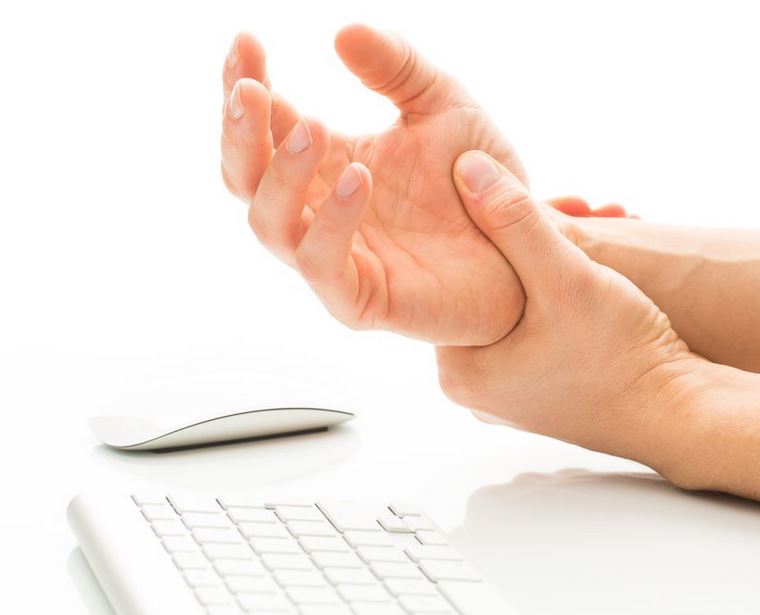
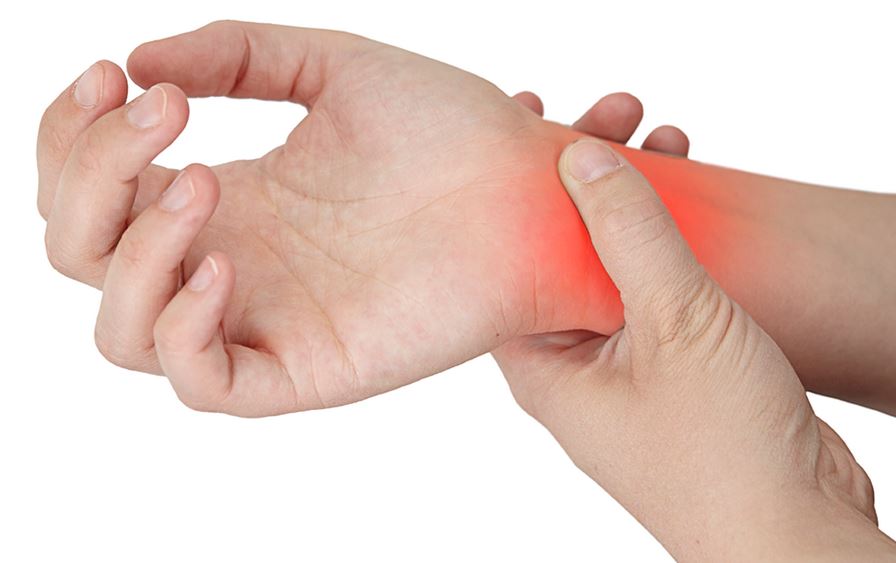
The most high profile ergonomics issue is probably that of repetitive stress injuries (RSIs). The most famous (or infamous) variety of RSI is carpal tunnel syndrome, although according to some medical experts, other types of RSI are actually more common in computer users.
However, there is much more to ergonomics than the avoidance of hand and arm pain. Here are some ways you can incorporate good ergonomic principles into the equipment you use and the way you perform the tasks of an IT pro, and thus avoid the associated health risks.
The Fellowes Micro Trac Handheld Trackball is named as the comfortable mouse for small places.
Trackball operation doesn’t require a desktop, mouse pad or space to move around.
It provides you free and comfortable mousing operation regardless of location.
This immobile mouse functions off the desk with a 3-button design and ambidextrous capability. It works perfect for laptop computers.
This Micro Trac Hand-Held Mouse Trackball can be operated in various ways, avoiding harm to palm, joint, or muscle.
This ergonomic mouse has to be controlled by using your thumb and the operation makes you to feel comfortable and simple. USB port and PS/2 adapter is required for connecting this mouse to your laptop or computer.
No additional software is required for this mouse and it is Windows 95, 98, 2000, ME, NT 4.0 and XP compliant.
To buy or to know further details about this product, visit:
Feel more comfortable while working on your computer with backless drafting stool as it features a saddle seat and seat angle adjustment.
The various features of this saddle seat are:
- The height adjustment of this backless saddle seat can be done from 25 inches to 35 inches high.
- The style and pattern of this ergonomic chair is unique and the triangular cushion which is present in this chair makes you to sit in a saddle posture.
- This backless drafting stool with saddle seat is the most versatile and comfortable drafting stool in the market.
- Your body can attain various benefits by sitting in the saddle posture as it lowers the thighs, opens up the hips and puts the spine into a healthy lordotic curve.
- The backless drafting stool with saddle seat is equipped with a pneumatic seat height adjustment from 25″ to 35″ high and it is both practical and functional.
Armazing Memory Foam Armpads add instant comfort and cushioning to almost any chair with in just few minutes. The most important features of these pads are:
- They contour to your arm and elbow and reduce the pressure that causes pain and injury.
- An appropriate blood flow is maintained in your body by using these pads and it prevents aches and muscle cramps which occur due to inappropriate blood flow.
- Your productivity rate can also be increased by contouring to the shape of your arm.
These Armazing Memory Foam Armpads will fit any adjustable chair arm that measures from 6″-11″ long. These arm pads will be a great addition to any office chair [Ergonomic office chair]. The Sleek Design and Snug Fit - Fits all Adjustable Chair Arms.
Some other features of this Armazing Memory Foam Armpads are:
- Promotes proper circulation in peripheral muscles.
You must have read about how to make your work place computer ergonomics perfect? Then what about the other workstation basics? There are many accessories other than computer which make the work station complete.
You need to take care of these accessories too for making the workstation adaptable. The other workplace ergonomics varies from desk to lighting.
Every aspect is very important in creating the workplace ergonomics perfect.
Things to check out for perfect workstation ergonomics:
Working area: You may be working in a small place, but you should see that you have some space around you to stretch and spread out. While you are working also, you should have a comfortable place to stretch your hand and leg muscles. If you are a person with long limbs, then you should take special care regarding the setup of your relaxing space.
Are you are a person who works on computer for longer hours? This working time can become painful and even unbearable, if you do not take proper care regarding the setup of your work place. If you take care regarding the setup of perfect ergonomics, then you can even improve productivity in your work place too.

Tips for making the workplace computer ergonomics perfect:
Working on laptops: If you are using laptop in your work area, then place the laptop on the stand and start working. Many use their laps as laptop stand and work, but this develops posture problem so it is always advisable to use a laptop stand.
If you have to do much work on the laptop, then attach a small mouse and keyboard to avoid stress on your wrist and hand. Many think that separate keyboard and mouse is not at all necessary and they carry their work on the in-built mouse and keyboard. But this proves to develop RSI (repetitive stress injuries) and stress injuries due to the wrong posture while working on the laptop [Laptop workstation].
Did you ever think that wrong postures can cause posture related problems? Have you ever tried to correct your wrong postures?
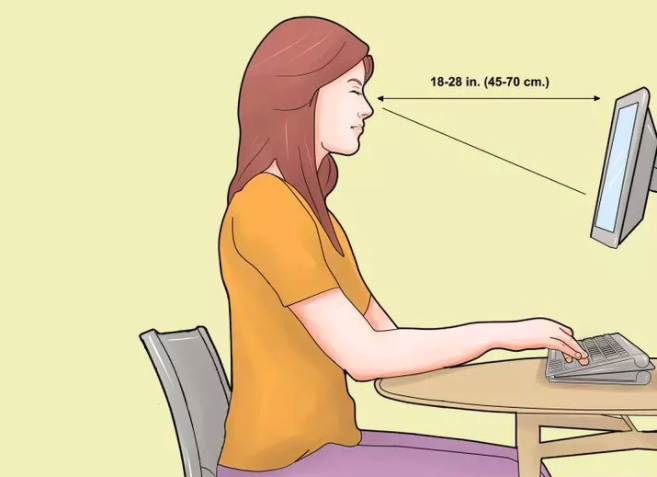
You need to sit, stand and work perfectly to avoid posture problems. Know the correct postures while sitting before the computer and avoid unnecessary posture related problems [Importance of correct posture].
How to sit before a computer with perfect posture?
Sitting in a chair: Select an ergonomic chair according to your height requirements. Always prefer a chair that has a foot rest and neck stand to make your legs and neck relaxed. Foot rest avoids the feet to dangle in the air and the neck stand supports your neck muscles when you lean back to the stand [Minimizing neck pain].
Posture:
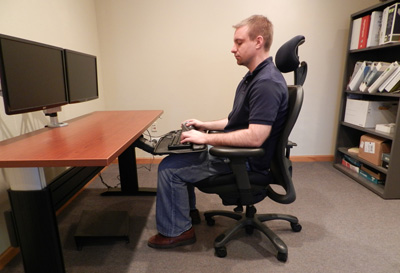
- If your chair does not have foot rest, adjust the height of the chair in such a way that your feet touch the ground or feet placed flat on the floor. See that the knees are slightly below from your hips.
Every computer professional or people who use the computer widely are familiar with RSI (Repetitive Stress Injuries).
You must have surveyed for several options in overcoming the RSI and found that these options are not successful in overruling the pain caused due to the RSI. You must have searched several peripherals that give you the promise in controlling the RSI and found that these are of no use.

There is no doubt that some of the computer peripherals avoid RSI in happening to you. But what about controlling the pain of RSI that exists? No peripheral in the market can completely control the pain of RSI that already exists. But if you turn around from the peripherals and look into RSI controlling software products, you can have a best option in controlling the RSI.
Recent Posts
- Ergonomic Dual Screen Split Keyboard Notebook
- Workplace Ergonomics For Aging People
- Tips To Prevent Wrist Injury While Using The Computer
- Tips For Buying Portable Laptop Desks
- Key Tips On Ergonomics For Children
- Top 5 Fitness Tips For Regular Computer Users
- Exercises And Treatments For Carpal Tunnel Syndrome
- Top 7 Computer Maintenance Tips
- Top 7 Tips To Choose Ergonomic Chairs
- Top 5 Tips To Prevent Juvenile Computer Vision Syndrome